【讀者提問】之前還能看到全文,怎麼突然就不行?🧐
大家在找論文時,是否也遇過這種狀況?
最近有讀者想找一篇 IEEE 的文章,點選連結卻跳出登入錯誤訊息。讀者很困惑:「為什麼之前還能看到全文,突然就不行了?」
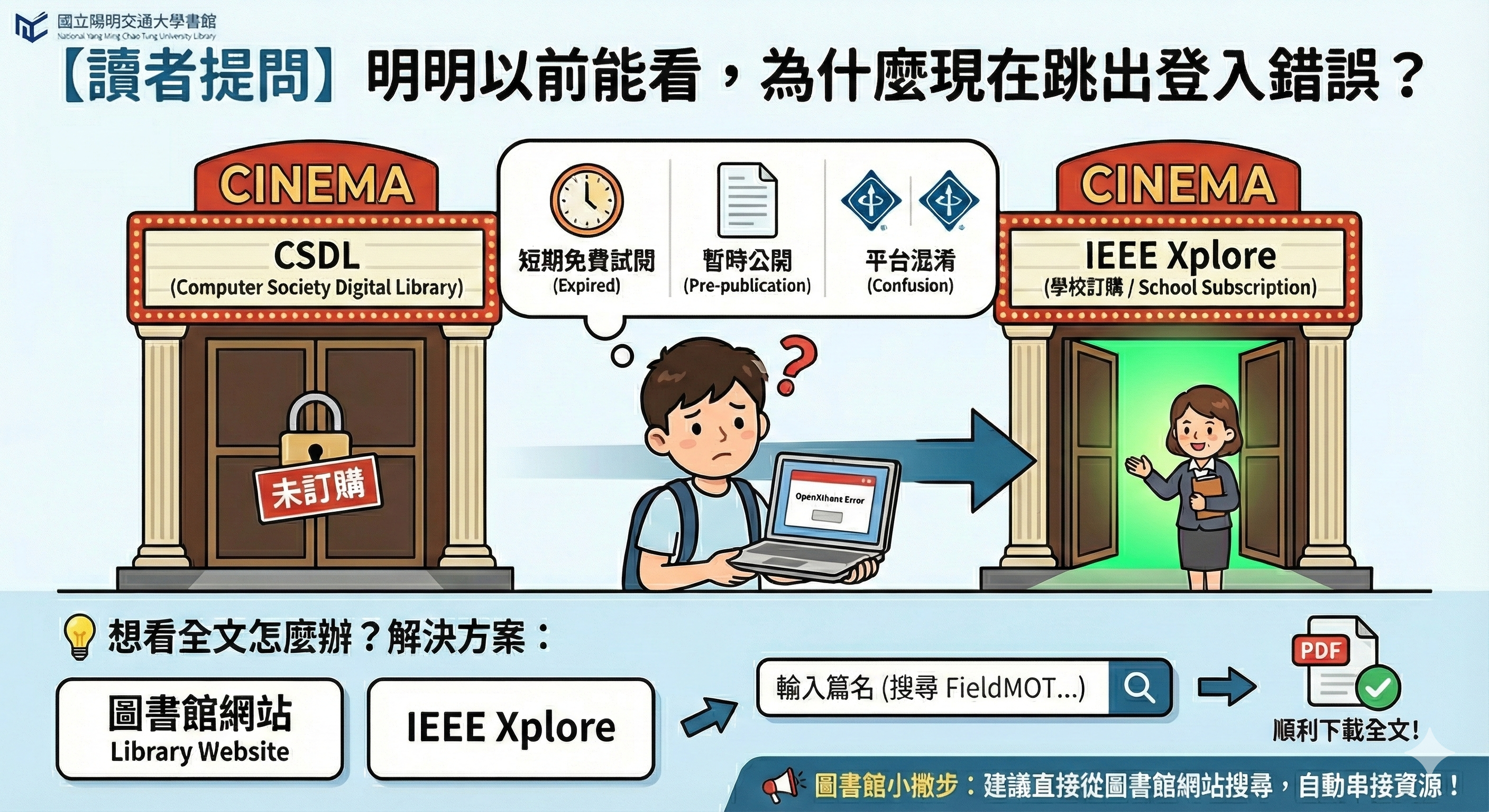
別擔心,這其實是圖書館諮詢台很常見的案例!讓我們花一分鐘來破解這個謎題。
🔍 關鍵原因:跑錯棚啦!CSDL (Computer Society Digital Library,以下簡稱CSDL) 不是 IEEE Xplore 雖然介面長得很像雙胞胎,但學校訂購的是IEEE Xplore,而讀者點到的連結是 CSDL。 這兩個是不同的產品,就像買A廳的電影票,卻誤闖B廳,系統當然會擋下來囉!
🤔 那為什麼之前能看? 通常有以下三種可能:
- 碰巧遇上「短期免費試閱 (Free Preview)」: CSDL 常配合研討會期間開放短期免費下載;試閱期結束後,即恢復為需授權才能閱讀;
- 文章當時處於「暫時公開 (Pre-publication)」狀態: 論文在正式出版前,有時會在 CSDL 暫時公開;一旦正式收錄進 IEEE Xplore,原連結的公開權限即可能失效;
- 誤以為是同一平台(平台混淆): 兩者介面相似,您上次可能是在學校訂購的 IEEE Xplore 上閱讀,但這次點到了未訂購的 CSDL 連結。
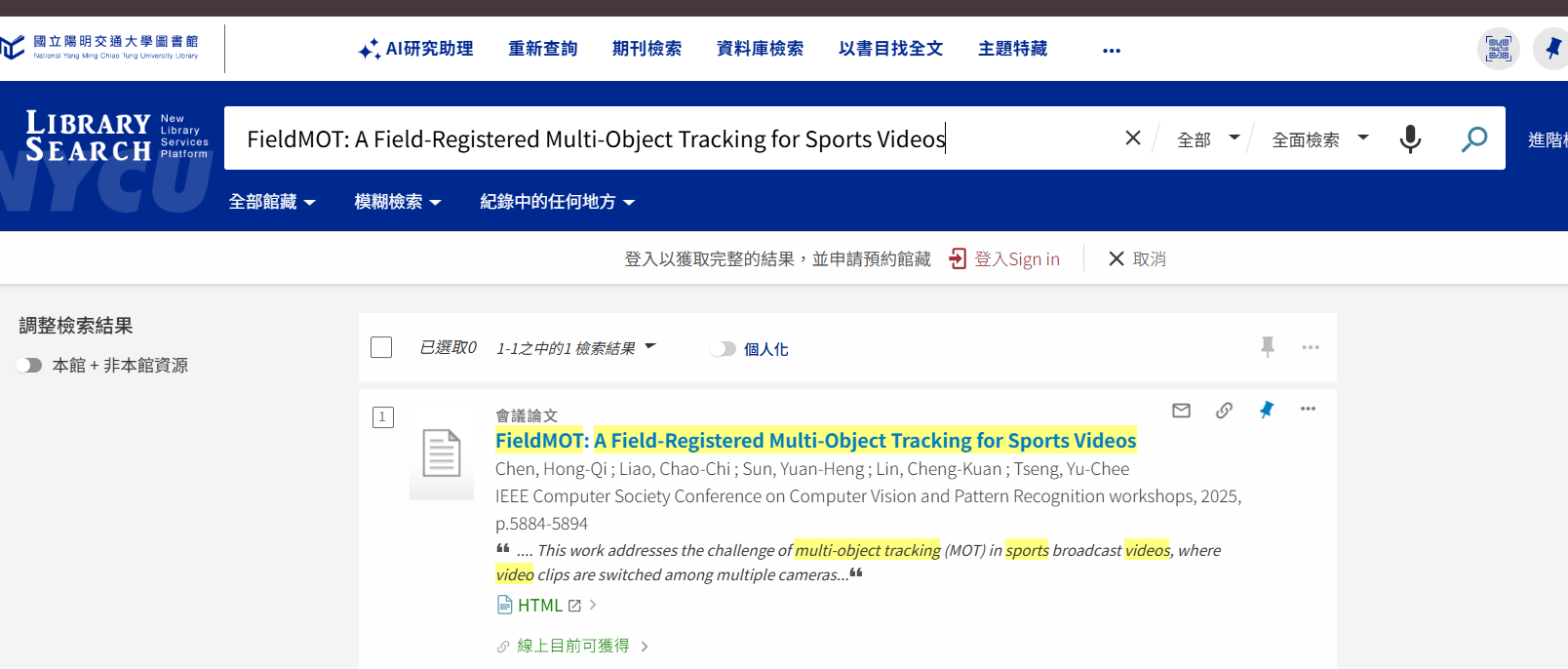
💡 因此,想看全文怎麼辦?很簡單!既然學校有訂購,
| 我們直接到圖書館網站, | 或到IEEE Xplore平台, |
 |
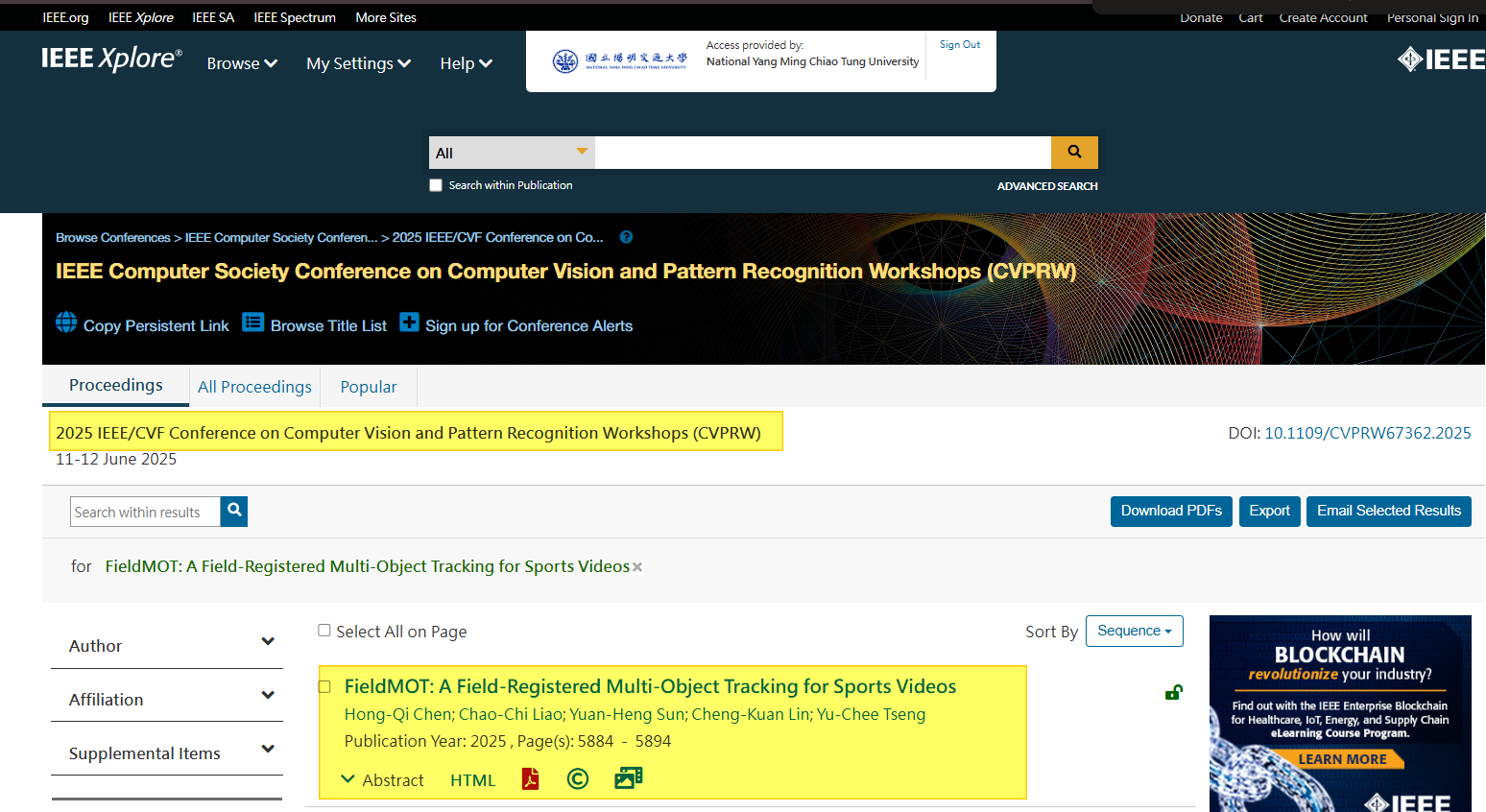 |
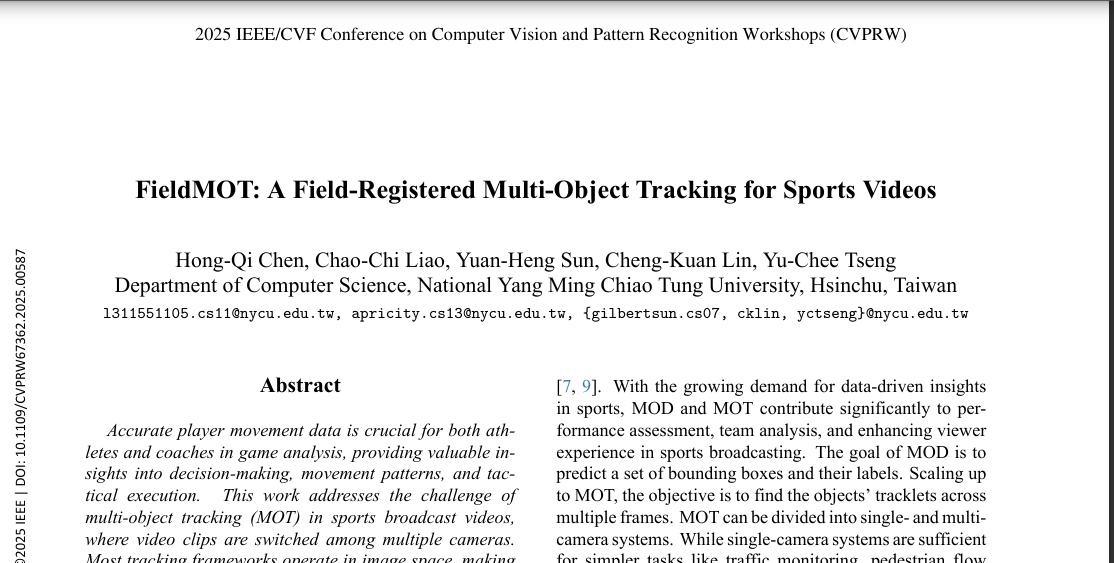
輸入篇名(例如案例中的 FieldMOT…),就能順利下載全文!
📢 圖書館小撇步: 💡 搜尋小撇步: 從圖書館網站出發 ➡️ 自動辨識權限 ➡️ 直通學校資源。
參考資源:
- 「為什麼現在跳出登入錯誤?」資訊圖表,「何佳欣」,「Google Gemini」,「經AI生成」,「依 Google 服務條款使用」,「2025年12月4日」,以及「https://gemini.google.com/ (Prompt: Infographic illustration in a friendly, educational style with a title at the top: “【讀者提問】明明以前能看,為什麼現在跳出登入錯誤?”…)」。
- 「學術資源解鎖概念圖(Logo與網址縮小版)」,「何佳欣」,「Google Gemini」,「經AI生成」,「依 Google 服務條款使用」,「2025年12月4日」,以及「https://gemini.google.com/ (Prompt: Based on image_13.png, the white “國立陽明交通大學圖書館 National Yang Ming Chiao Tung University Library” logo and text in the top left corner is now significantly smaller and positioned exactly 3cm from the top edge and 3cm from the left edge of the dark background. The URL “https://www.lib.nycu.edu.tw/” at the bottom is also much smaller, approximately 12-point font size. The central glowing blue and gold key, lock, and floating knowledge icons graphic is significantly enlarged, dominating the center of the frame with more prominent light bursts and particle effects.)」。
推廣組 何佳欣